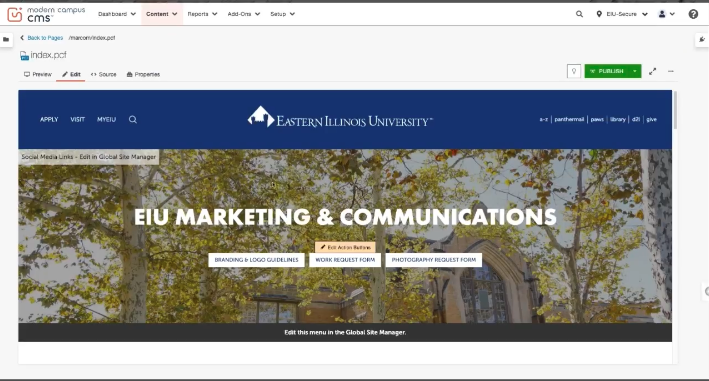
EIU website training and tutorials
We understand that navigating Global Site Manager and OmniUpdate/Modern Campus involves many details to keep track of. To support you, the web team has created a series of tutorials designed to streamline your workflow and serve as a helpful reference whenever you need it.
Web Content Best Practices Checklist
Use Pages, Not PDFs
-
Avoid using PDFs unless absolutely required
-
Convert content into webpage text whenever possible
-
Ensure content is readable on mobile devices
-
Consider ADA/Accessibility requirements when choosing formats
Keep Content Fresh
- Review your pages regularly for outdated information
- Replace old flyers and documents with current versions, and if possible convert to web pages
- Use the Photo Request Form to obtain new images
Ask for Help When Needed
- Submit a Web Office ticket if you need assistance
- Ask for help with building or restructuring pages
- Request guidance on accessibility or style issues
Follow EIU Web Standards
- Review EIU’s Web Standards before publishing pages
- Use proper heading structure (H2 → H3 → H4)
- Ensure images have descriptive alt text
- Verify pages display correctly on desktop and mobile
- Keep formatting consistent with EIU.edu’s established design
walk through tutorials
Full Video trainings
The first video is a complete training, then there are individual trainings for the GSM and Omniupdate.
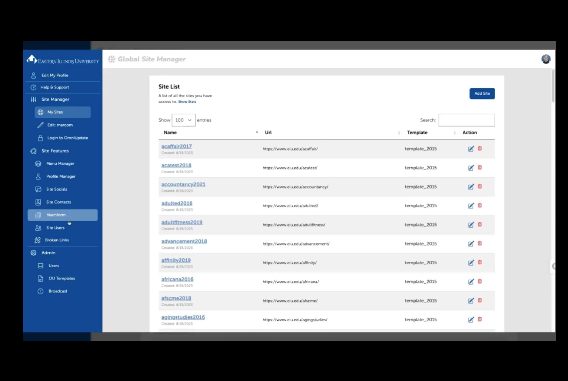
The web training video is beginning to end training.
The Global Site Manager covers logging in, all features that are handled in the GSM, including menus, profiles, dead links.
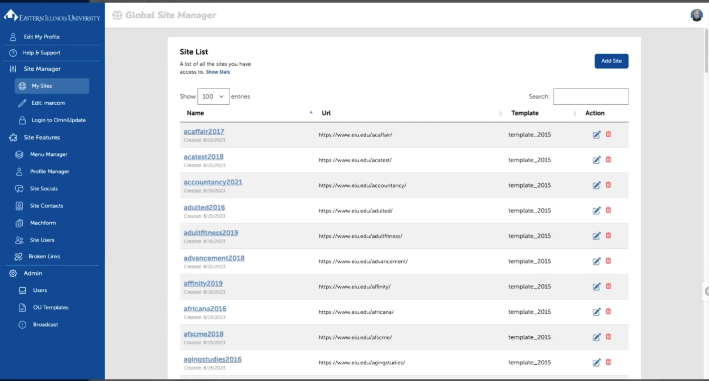
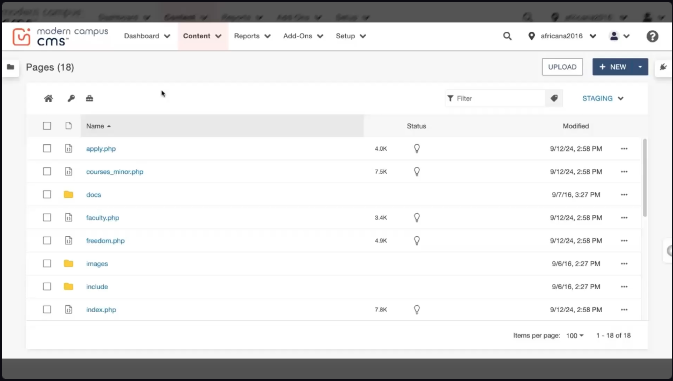
If you have not been updated to the new template, the training to the left is for you.
If you are in the new template, the video to the right is for you.