Eastern Illinois University

Panthertech

MICROSOFT MULTI-FACTOR AUTHENTICATION

Multi-Factor Authentication (MFA) Migration to Microsoft

During Spring 2026, EIU is transitioning from Duo to Microsoft MFA. Duo will remain available only during the migration period.

Microsoft’s MFA is included in EIU’s existing license, which reduces costs and helps us continue providing strong security without increasing student fees.

The setup takes about 15 minutes. We encourage everyone to migrate early at a time that works best for you.

Migration Timeline

Employees

February 2 through February 27

Students

March 15 through April 15

Annuitants

May 15 through June 15


Enrolling with a Prompt from Microsoft - Using a Computer
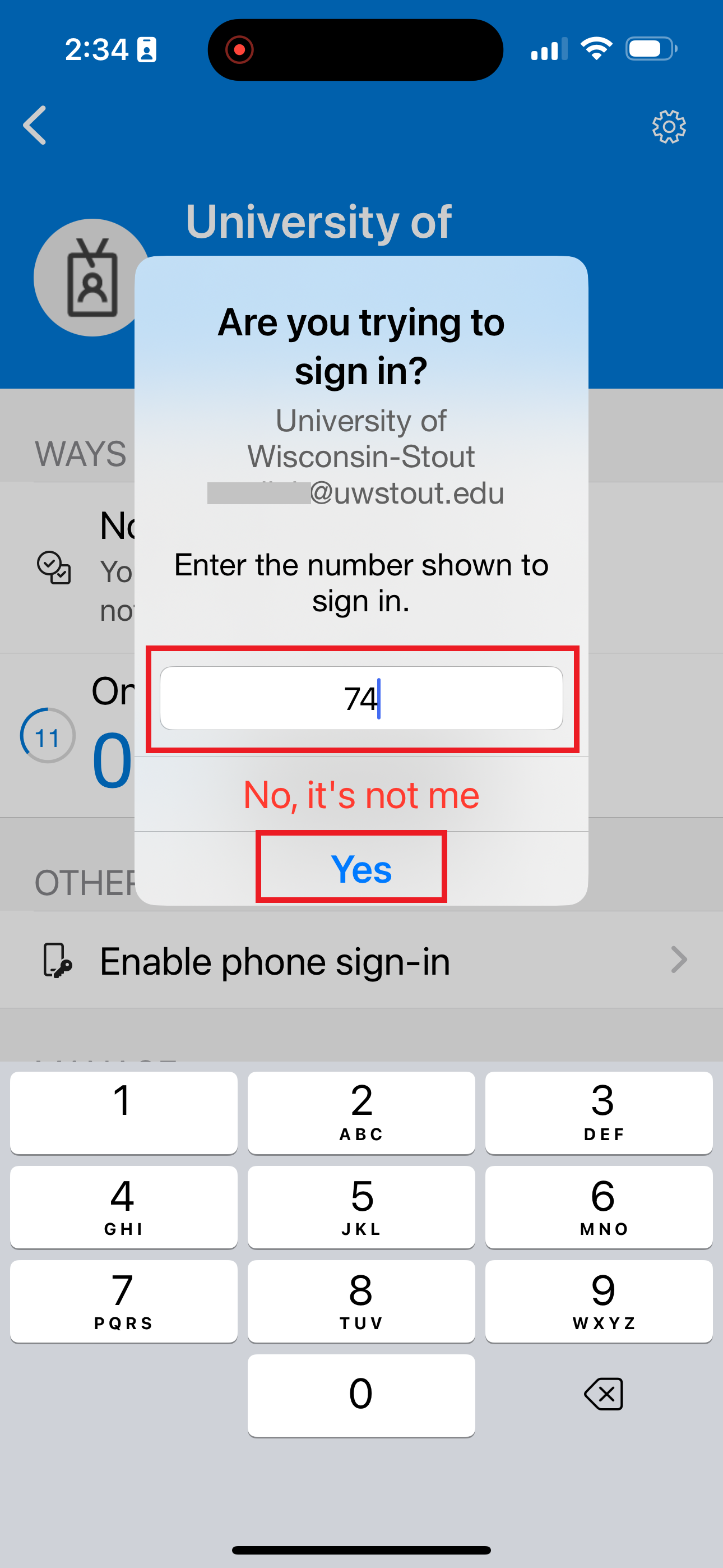
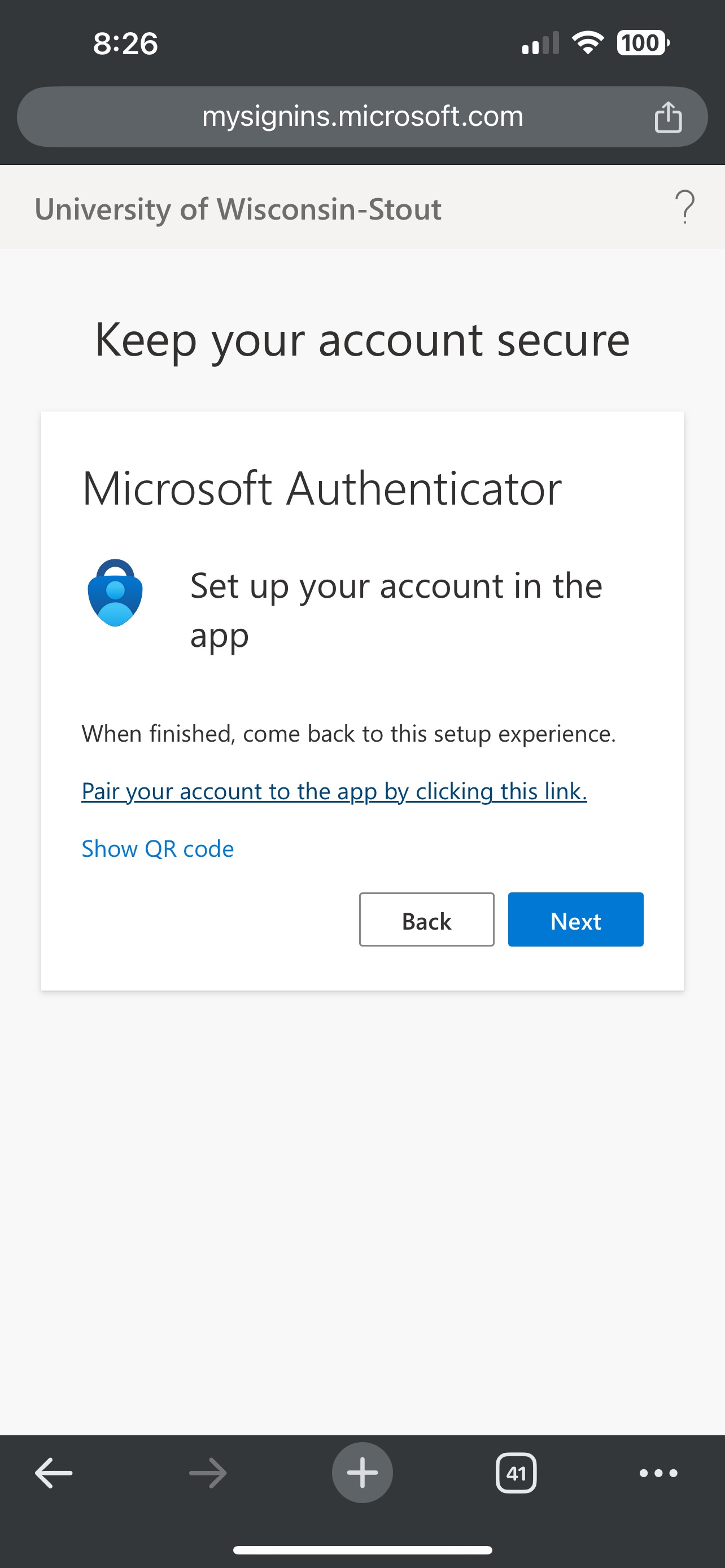
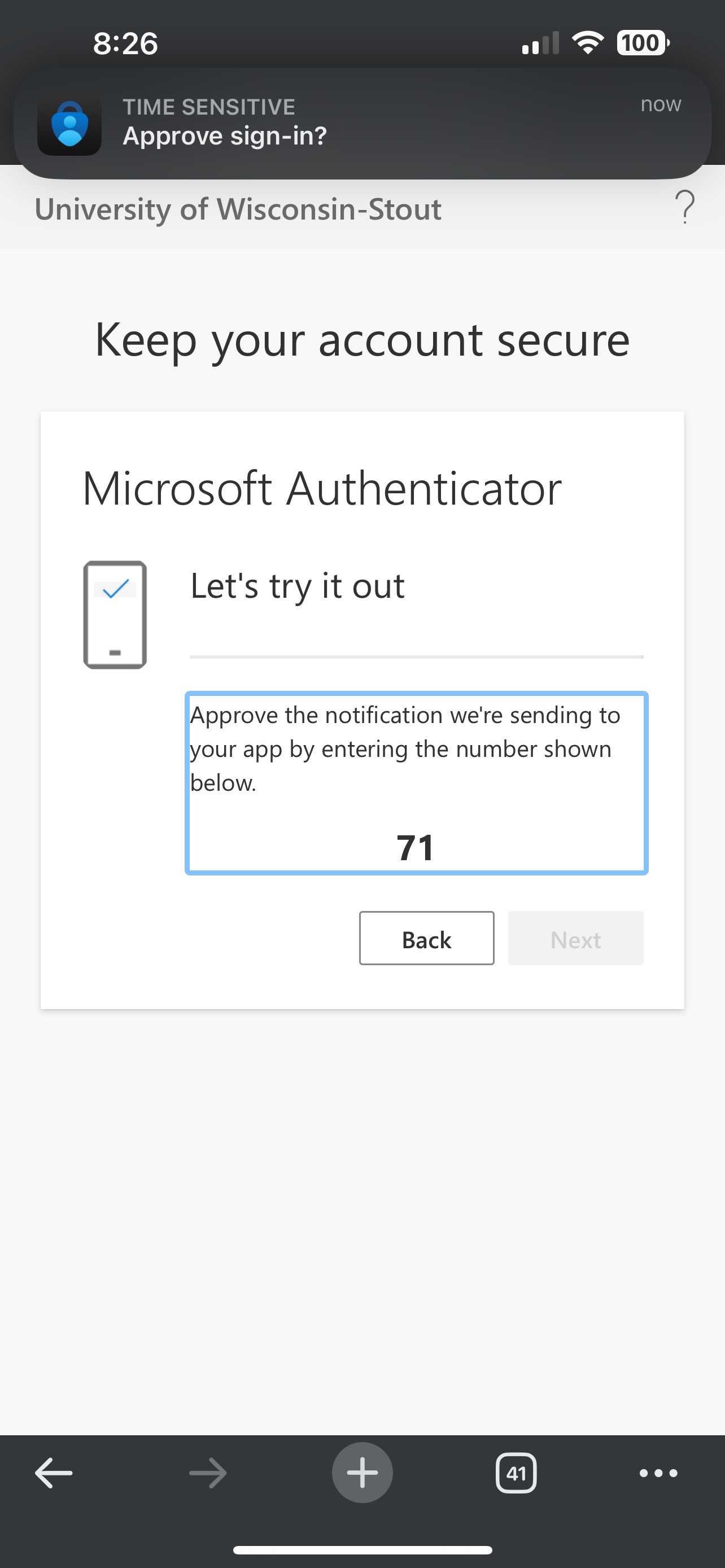
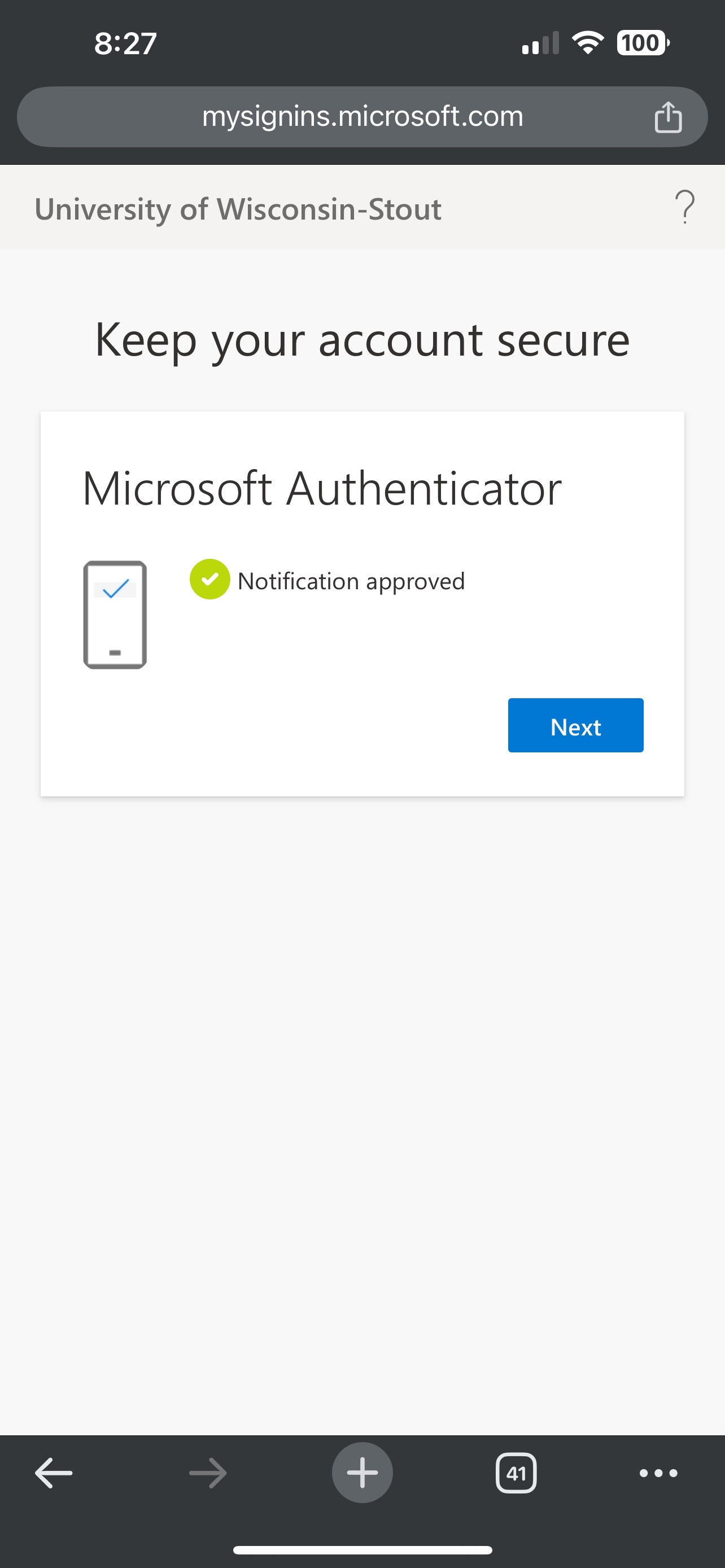
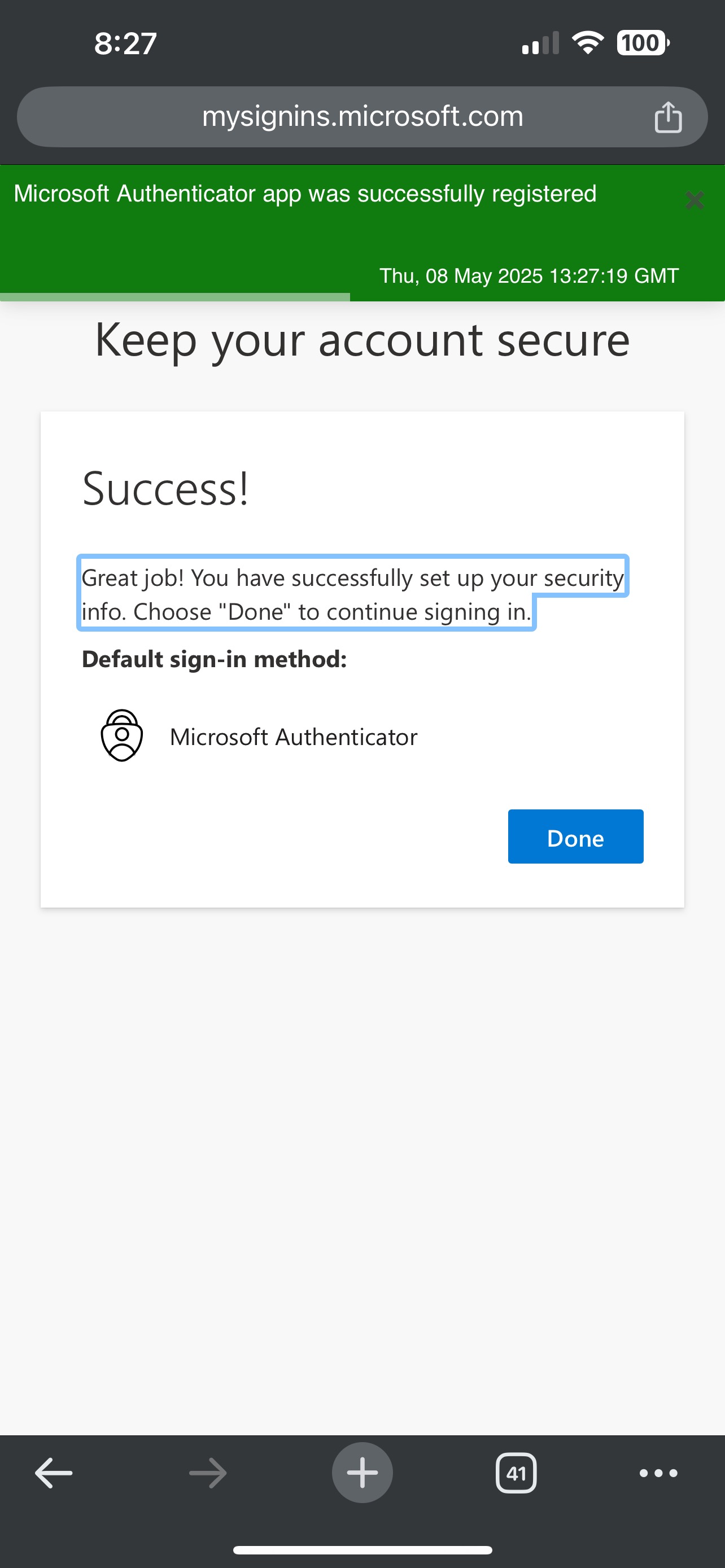
Enrolling with a Prompt from Microsoft - Using a Mobile Device
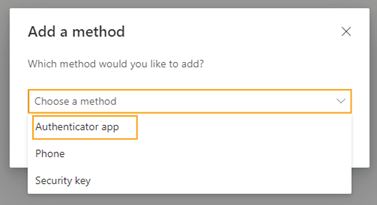
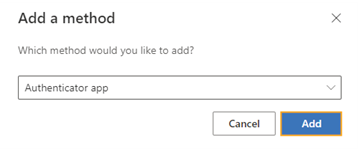
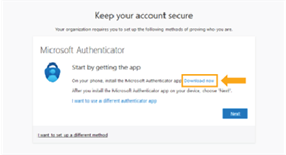
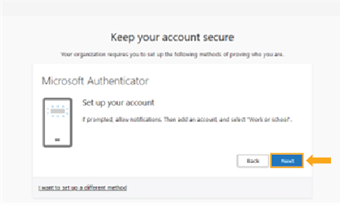
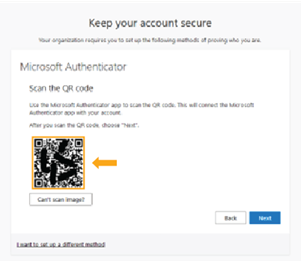
Setting up Microsoft Authenticator Manually on a Computer
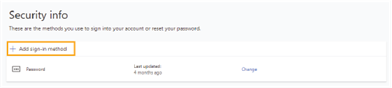
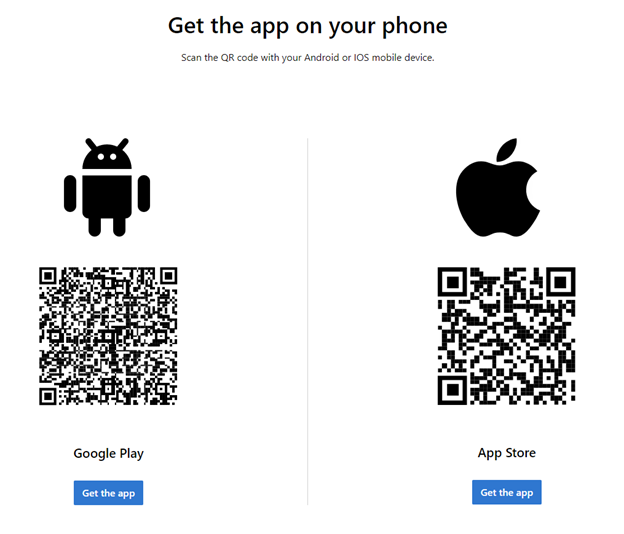
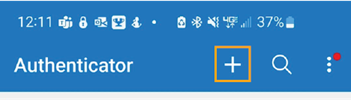
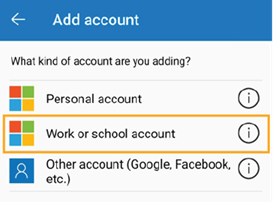
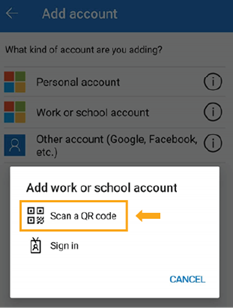
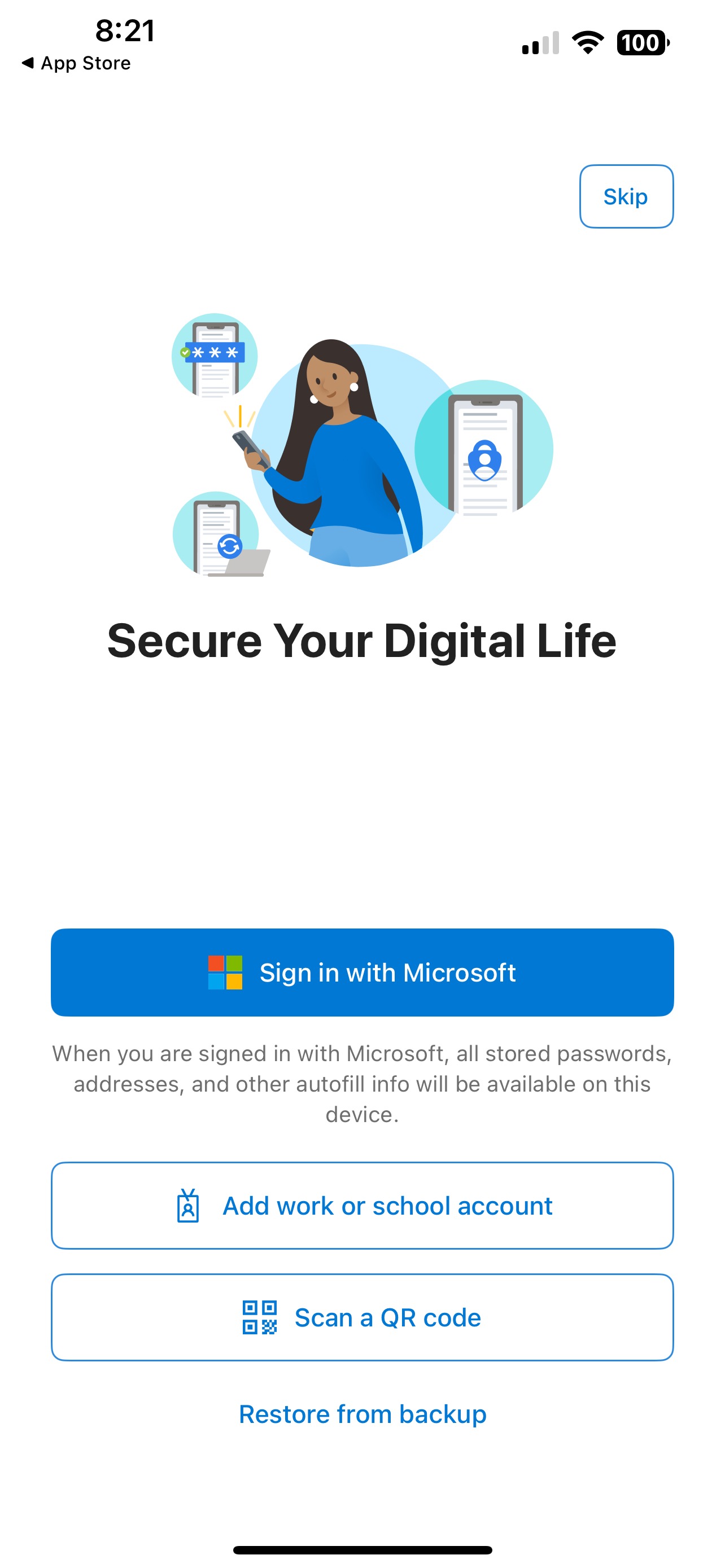
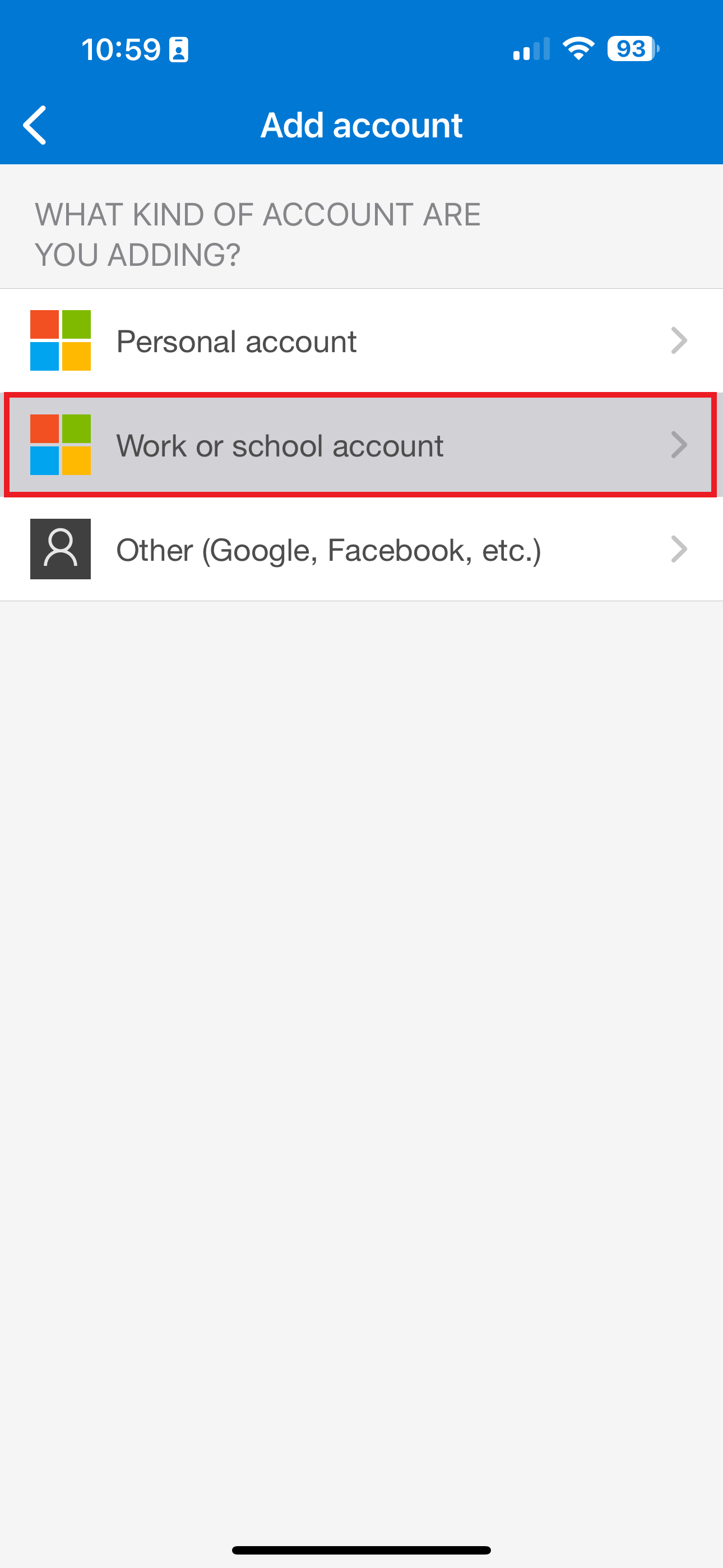
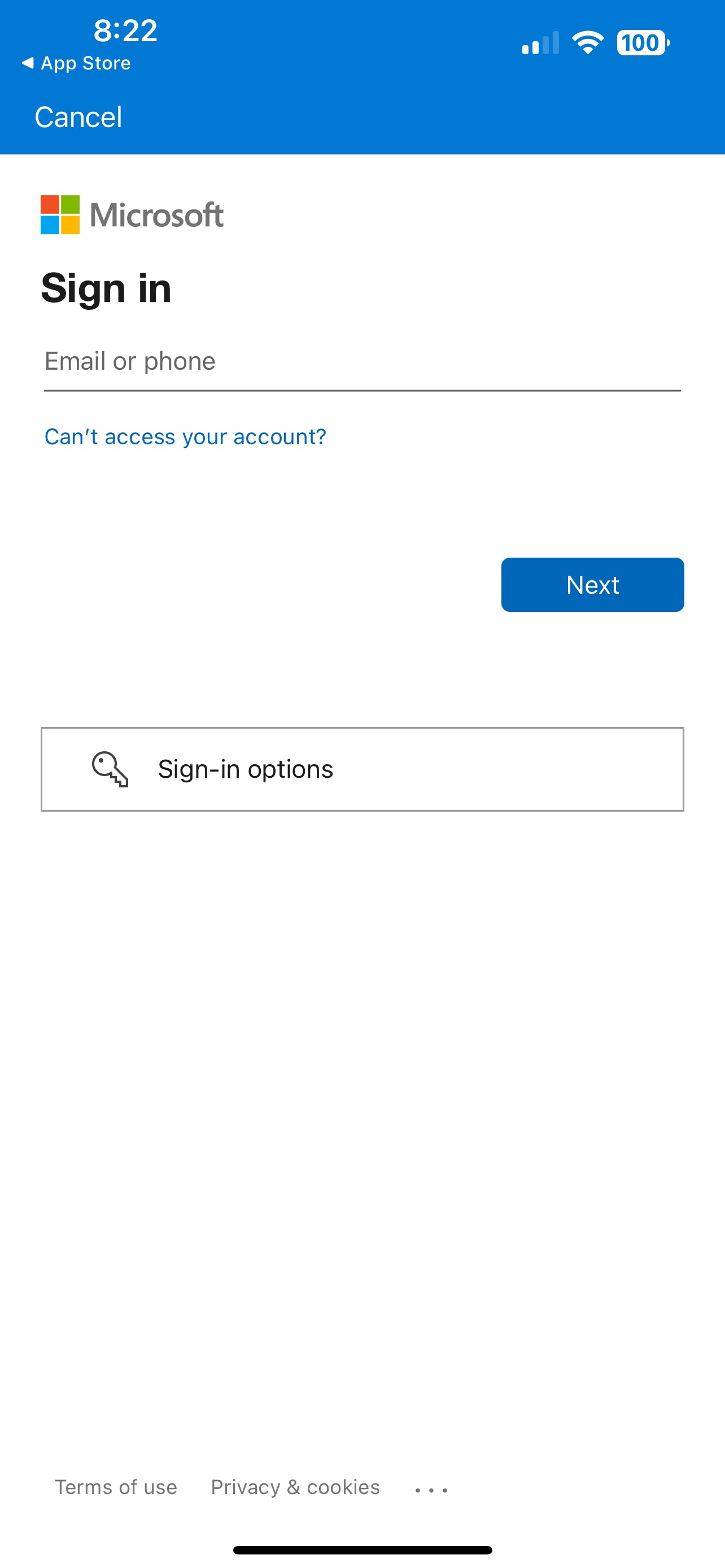
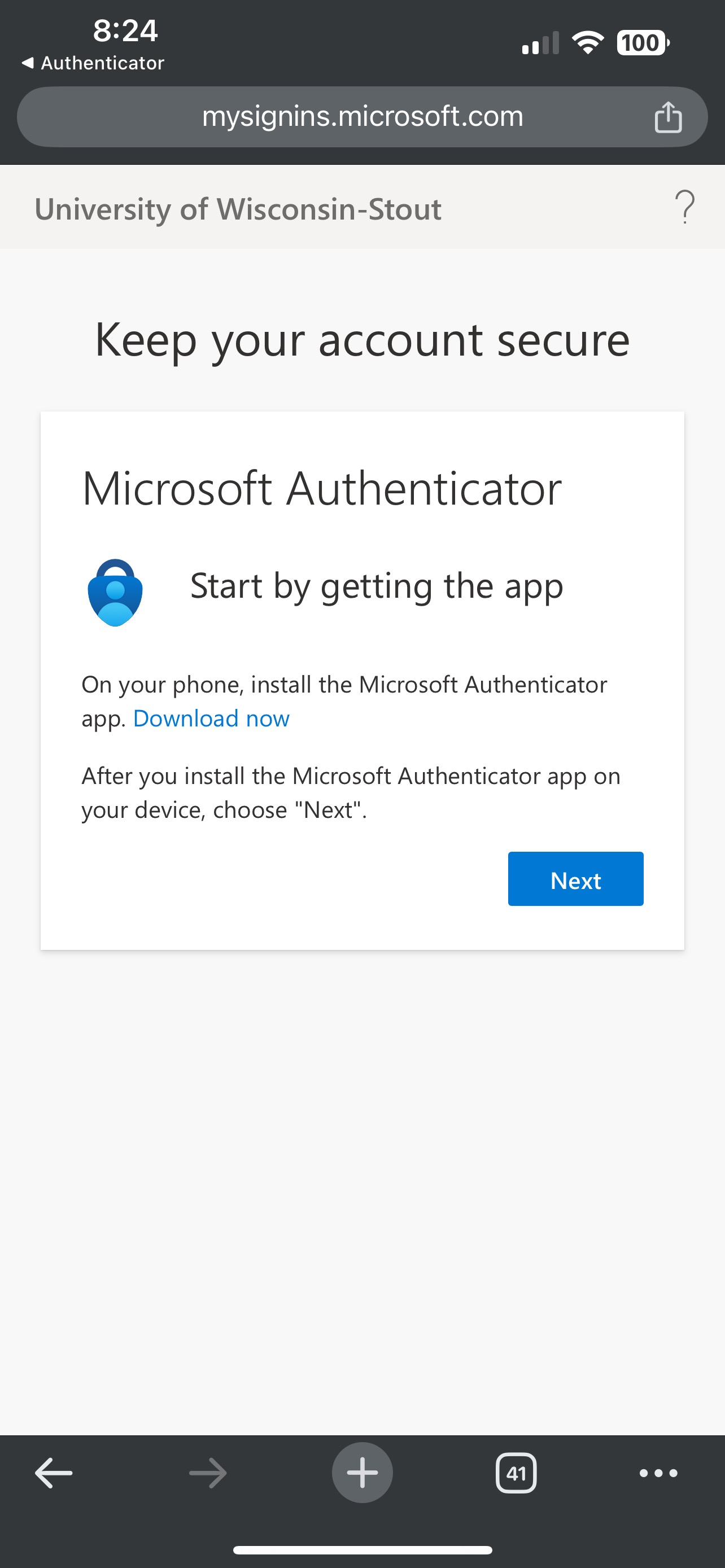
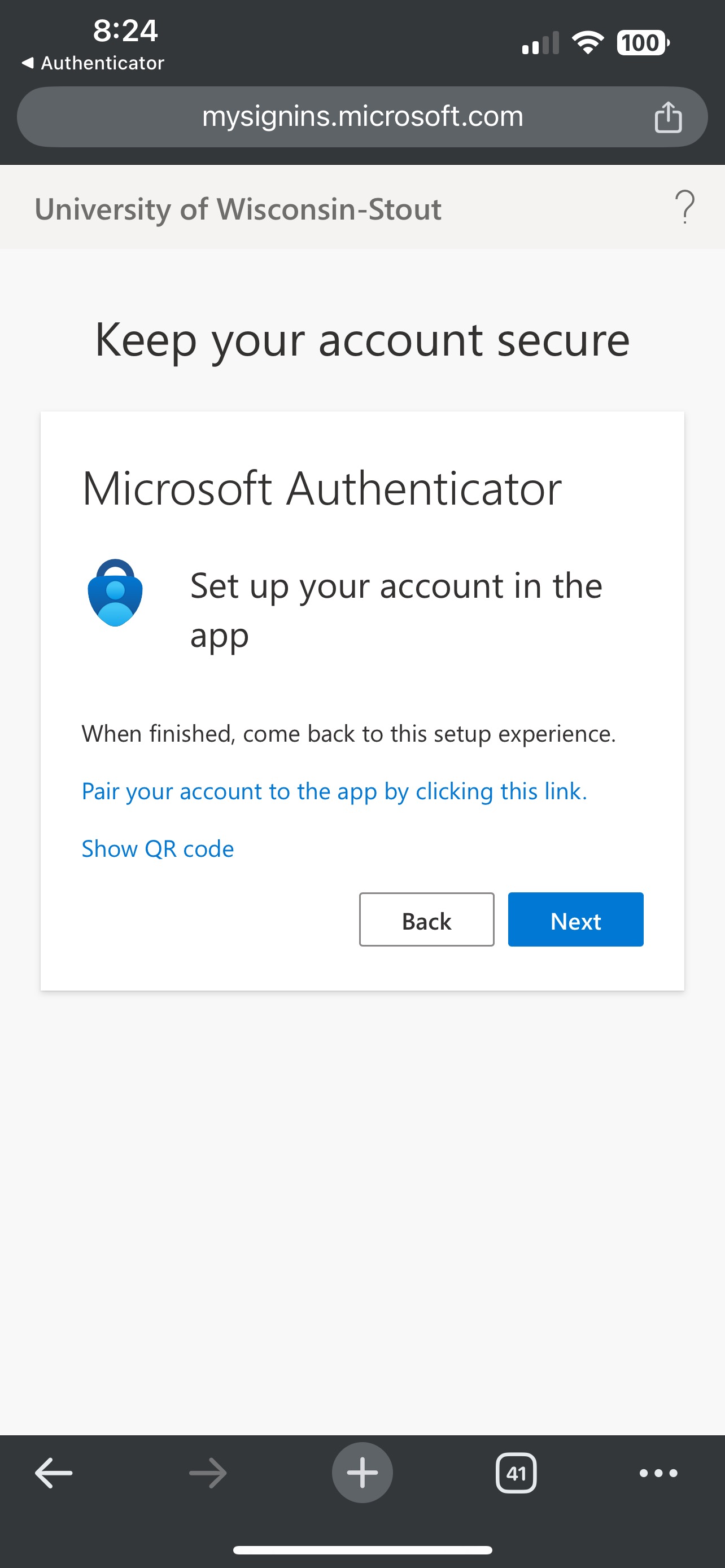
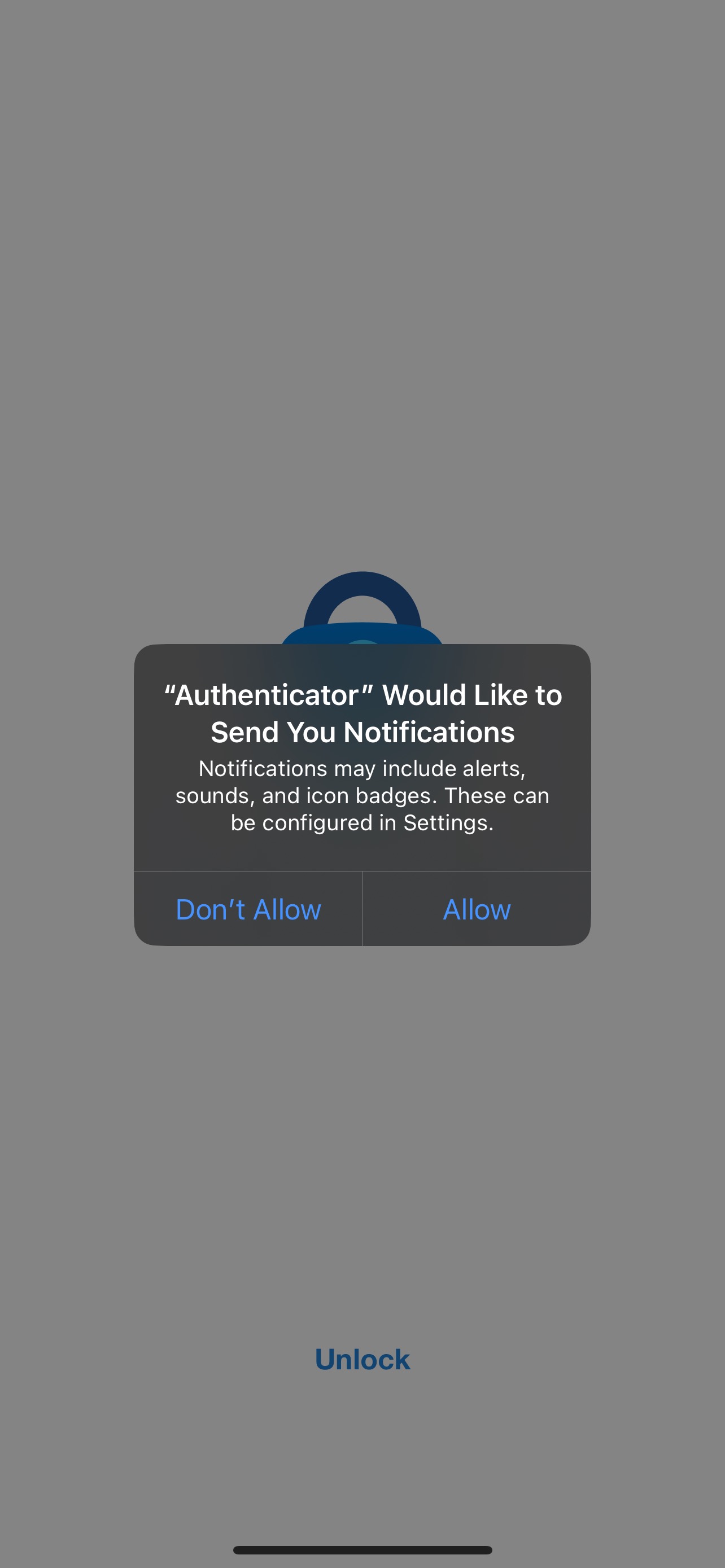
Setting up Microsoft Authenticator Manually on a Mobile Phone without access to a Computer  
New Phone & Managing Devices


Frequently Asked Questions

Why is EIU moving from Duo to Microsoft for MFA?
Microsoft now provides a full MFA solution as part of EIU’s current licensing. Moving to Microsoft reduces costs. Duo is partially funded through student fees, so this change helps us maintain IT services without increasing those fees.
Will this migration be disruptive to my work or classes?  
No. You have a four week window to migrate so you can complete the process at a convenient time.
What happens if I don’t migrate by my deadline?  
If you do not migrate by your assigned date, your account will be automatically moved the following week. You will be required to set up Microsoft MFA before accessing EIU systems. This may interrupt your work or classes, so we strongly recommend completing the migration early.
Can I still use Duo after  I set up Microsoft MFA?  
Yes. Both options will work until February 27.  Once you migrate to Microsoft MFA all future MFA requests will utilize Microsoft MFA.  
How is Microsoft MFA different from Duo?  
Microsoft MFA uses a different mobile app, but approving a sign-in works almost the same way. You will receive a prompt on your device and confirm your login.
If I use a YubiKey, do I need to migrate now?  
No. Continue using Duo with your YubiKey for now. Additional instructions will be shared soon.
How does MFA protect my account?  
MFA adds an extra layer of security beyond your NetID and password. Even if someone steals your password, they cannot log in without your approval on your registered device. This helps protect your email, files, and personal information.
What if I forget my phone or device?  
Call the EIU Help Desk at 217-581-4357. They can provide a temporary bypass after verifying your identity so you can access your account.
Does the Microsoft MFA app track me?  
No. The app only knows general information like your city location and device type. It does not track your activity or exact location.
Why am I seeing security warnings in the app?  
The app may alert you if your device has potential security risks, such as no screen lock. Addressing these warnings helps keep your account secure. If you have questions, contact the Help Desk for guidance.
What if I don’t have a smartphone?    

You have options. You can use:

  • A tablet
  • A YubiKey (USB security key)

YubiKeys are available from major retailers and the EIU Bookstore. If you cannot purchase one, email info-sec@eiu.edu for assistance.


CONTACT THE DEPARTMENT

Technology Support

217-581-4357
support@eiu.edu