Calendly
Calendly is an appointment scheduling application that will allow you to schedule times to work with students or staff.
Set up
- You will receive an email from Calendly to set up your account. When you do this, it is crucial that you utilize your EIU netID and password to log in. When doing this, select the SSO option on the login screen and enter EIU as the company name.
- This will allow you to better integrate your Microsoft 365 Outlook calendar.
Once you have logged in, there are a few items to set up.
Your Profile
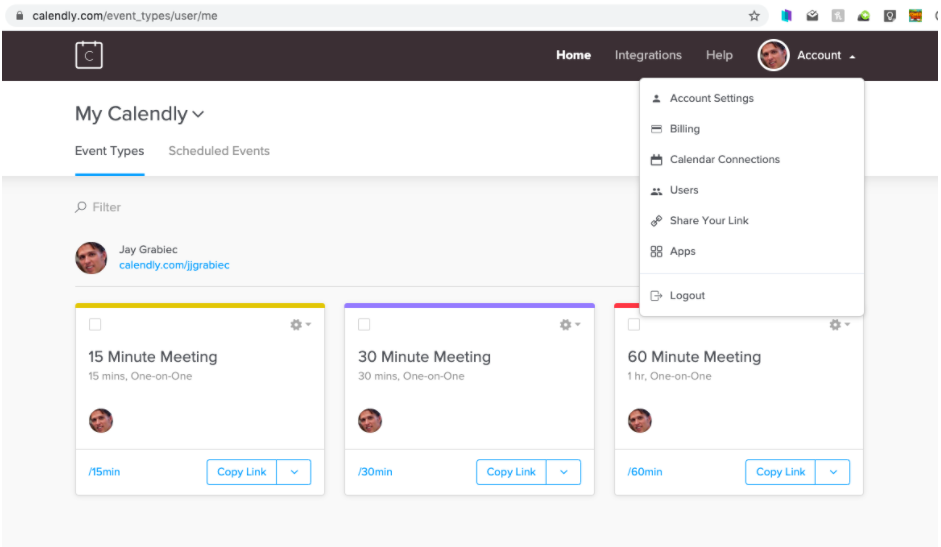
Add a face to your name by adding a picture. To do this, go to Account/Account settings.
Link your calendar to Calendly
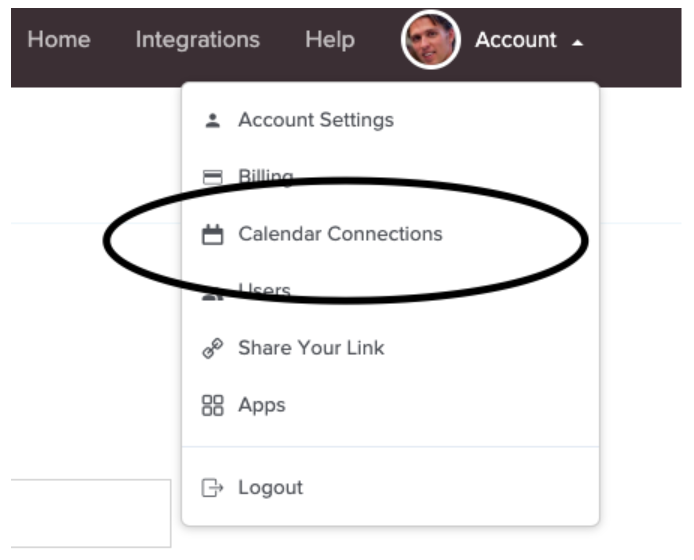
Calendly will speak with your Outlook or Gmail calendar so if there are times that you do not want to be bookable, block that time off in your calendar and you won't be bookable. You can sync up to two calendars. Just use the Account dropdown and then Calendar Connections to link the accounts.
Sync Zoom
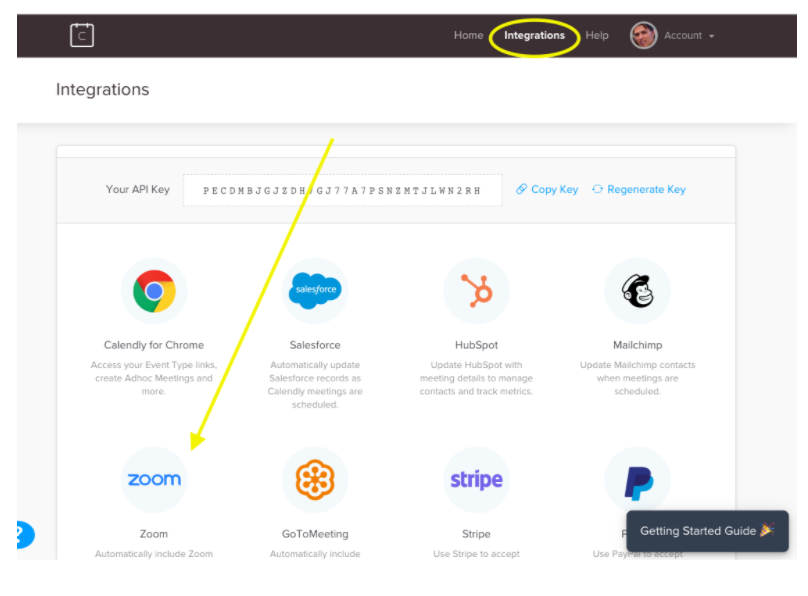
Integrating your Zoom account to Calendly will make it easy to schedule video conferences. To do this, click on the Integrations tab in Calendly and select Zoom. Authorize zoom and Calendly to work together from the messages that you will receive. Once this is done, you will select Zoom as the event location when you set up appointments.
By default, you will be set to have the basic 'Academic Advising' event on your Calendly page, but if you wish to change that up, feel free. Just make sure you set Zoom as the event location and that will send out the appropriate invite.
NOTE: If you are opting to set up a video conference with a student, make sure they have a Zoom account and the app installed on their phone.
Your Calendly Link
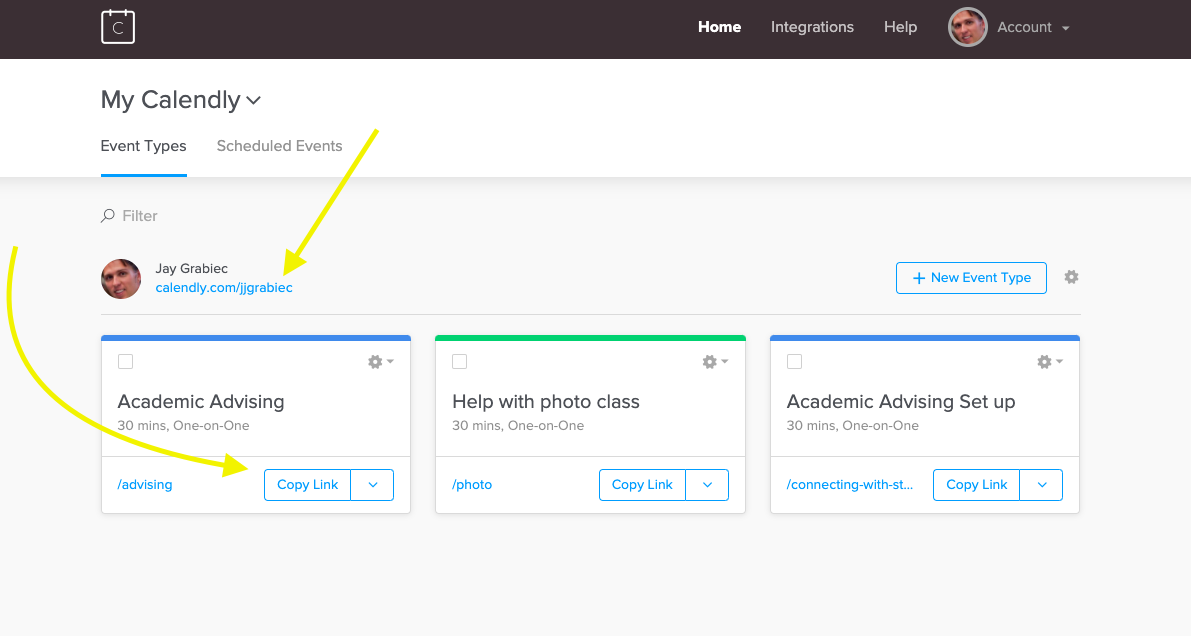
Once your Calendly account is configured, you will be ready to send out a link to your booking page or add it to your email signature. Just go to the Calendly home page and copy the link you want to use to book meetings.